Payment
Current billing system
Starting in Spring 2025, QuickBooks Complete switched to billing all new customers through monday.com’s integrated app billing system. You can start, manage, and update your subscription in monday.
When your free trial is over, you will see a message like this:
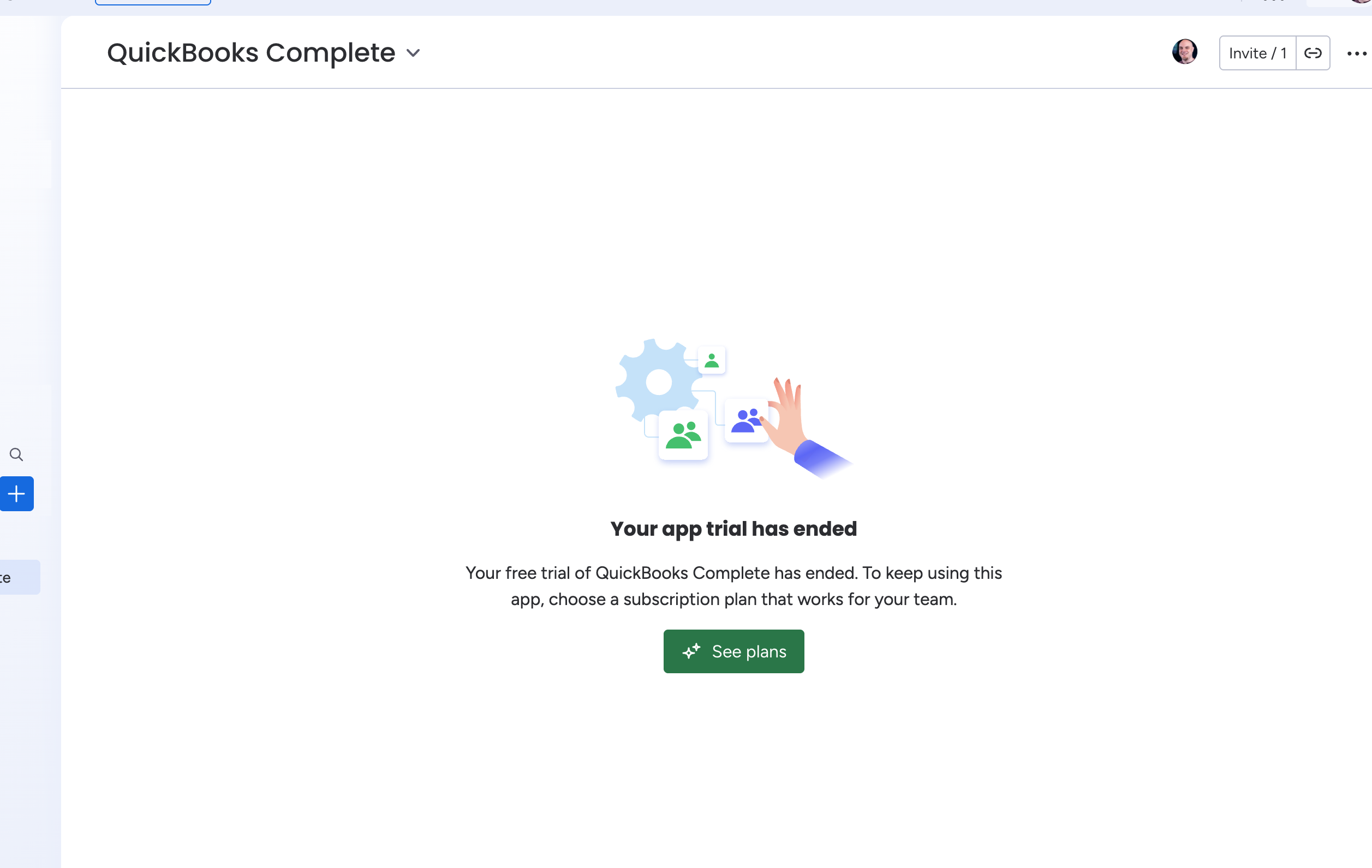
Click See plans to View the application in the Monday Marketplace. From there, scroll down to the available plans:
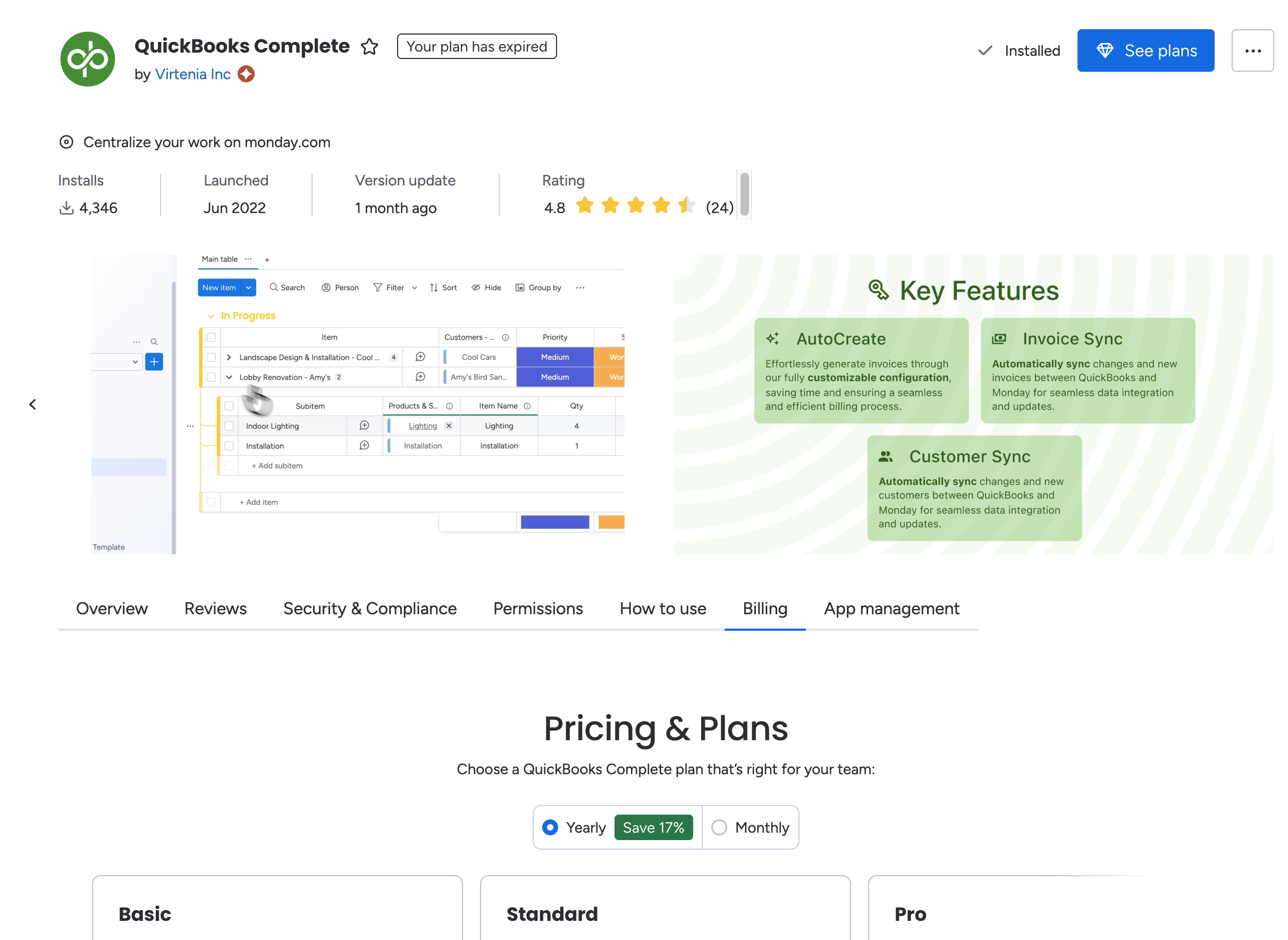
Choose the right plan for your needs. Click the Select Plan button and proceed through setting up payment.
Thereafter, you can see and manage the billing for the software in your Monday settings:
Marketplace > Installed apps > QuickBooks Complete > Billing.
Historical billing system
Customers who signed up prior to Spring 2025 are billed directly by Virtenia through Stripe. Customers who are still on Stripe billing can continue with that payment method for as long as they prefer, or migrate to monday billing. For help with that migration, go to our Support page.
To manage your subscription, go to our Support page and follow the directions there to get to the Stripe billing portal.